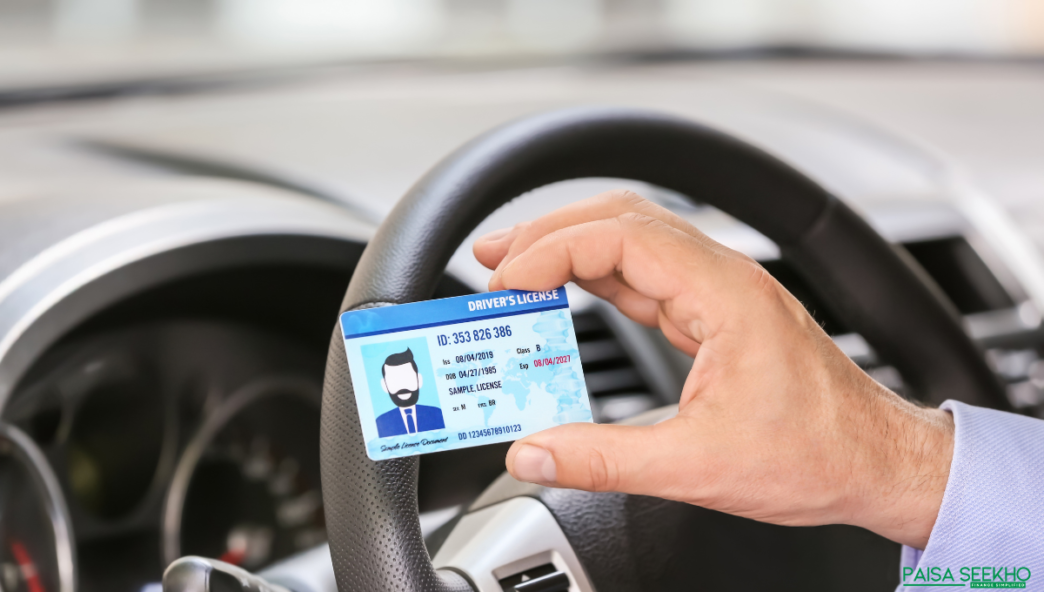
Your driving licence is a vital document that serves as both a legal permit to drive and a widely accepted form of identification. Keeping the address on your driving licence updated is essential for legal compliance, smooth communication, and hassle-free transactions. If you’ve recently relocated, here’s a comprehensive guide that shows you how to change your address on driving licence.
Why is it Important to Update Your Address on Your Driving Licence?
1. Legal Compliance
The Motor Vehicles Act, 1988 mandates accurate information on driving licences. An outdated address can result in fines or penalties during traffic checks.
2. Smooth Communication
Your driving licence address is used by the RTO and traffic authorities for sending renewal reminders, notices, and other official communications.
3. Ease in Vehicle Transactions
An updated driving licence simplifies processes such as buying or selling a vehicle.
4. Accurate ID Proof
A driving licence is often required as proof of address for financial transactions, loan applications, or opening bank accounts.
5. Emergency Situations
In case of an accident, an updated address ensures timely communication with your family or insurance providers.
6. Convenience in Insurance Claims
For insurance claims, especially after accidents, having the correct address expedites the settlement process.
Documents Required to Change Address on a Driving Licence
Ensure you have these documents ready before initiating the process:
- Application Form: Form LLD, the standard application for address change.
- Address Proof (Any one of the following):
- Passport
- Aadhar Card
- Voter ID
- Utility bills (electricity, water, or gas)
- House rental agreement
- Driving Licence: The original driving licence.
- Photographs: Passport-sized photos.
- Age Proof (Any one of the following):
- PAN Card
- Birth Certificate
- Passport
- 10th Class mark sheet
How to Change Your Address in DL Online?
Changing your address online is a convenient and straightforward process. Here’s how:
- Visit the Official Website:
Access the Parivahan Portal by the Ministry of Road Transport and Highways. - Select Your State:
Choose the state where your driving licence was issued or where you currently reside. - Navigate to DL Services:
Under the ‘Online Services’ tab, select ‘Driving Licence Related Services.’ - Enter DL Information:
Provide your driving licence number and date of birth. - Select Address Change Service:
Opt for ‘Change of Address’ under available services. - Upload Documents:
Upload scanned copies of required documents. Ensure they are clear and legible. - Pay the Fees:
Pay the applicable fee using the portal’s secure payment gateway. - Confirmation:
After successful payment, save the receipt and acknowledgement for your records. - Review Process:
The RTO will verify your application, and the updated driving licence will be sent to your new address.
How to Change Your Address in DL Offline?
For those who prefer or need to visit the RTO, here’s the offline process:
- Visit the RTO:
Go to the Regional Transport Office where your licence was issued or your current location’s RTO. - Obtain Form LLD:
Collect Form LLD from the RTO or download it from the official website. - Fill Out the Form:
Complete the form accurately, providing your new address details. - Attach Necessary Documents:
Submit the required documents along with the application form. - Pay the Applicable Fee:
Pay the fee for address change at the RTO counter. - Verification Process:
RTO officials will verify your documents and may request original copies for authentication. - Collect Acknowledgement Slip:
Keep the slip for tracking your application status.
How to Check the Status of DL Address Change Online?
After submitting your application, you can track its status online:
- Visit Parivahan Portal:
Go to the Parivahan Website. - Select State:
Choose the state where you applied for the address change. - Navigate to Application Status:
Under ‘DL Services,’ select ‘Application Status.’ - Enter Details:
Input your driving licence number, date of birth, and application number. - View Status:
The portal will display your application’s progress, whether it’s under review, approved, or dispatched.
Final Thoughts
Keeping your driving licence address updated is essential for legal, logistical, and personal reasons. Whether you choose the online or offline route, the process is designed to be accessible and efficient. Make it a priority to update your address promptly to avoid unnecessary complications and ensure smooth interactions in various aspects of life.
FAQs
1. How soon should I update my address after moving?
Ideally, update your address within 30 days of relocation.
2. Can my driving licence be sent to a post office box?
No, you must provide a verified residential address.
3. Is there a penalty for not updating the address?
Yes, fines or penalties can be imposed for outdated addresses under the Motor Vehicles Act.
4. Can I change my address online from any state in India?
Yes, but ensure you select the correct state on the Parivahan portal.
5. How long does it take to receive the updated driving licence?
Typically, it takes a few weeks. The timeline depends on your RTO’s workload.
6. Do I need to surrender my old driving licence?
For offline applications, you may need to submit your original licence.
7. Can I drive while waiting for the updated licence?
Yes, but carry a copy of the acknowledgement slip during this period.
8. Will my driving licence number change after updating the address?
No, the driving licence number remains the same.
9. Is there a grace period for address updates?
No official grace period exists, but updating promptly avoids potential legal issues.
10. What should I do if there’s an error on my updated licence?
Contact the issuing RTO immediately to request corrections.