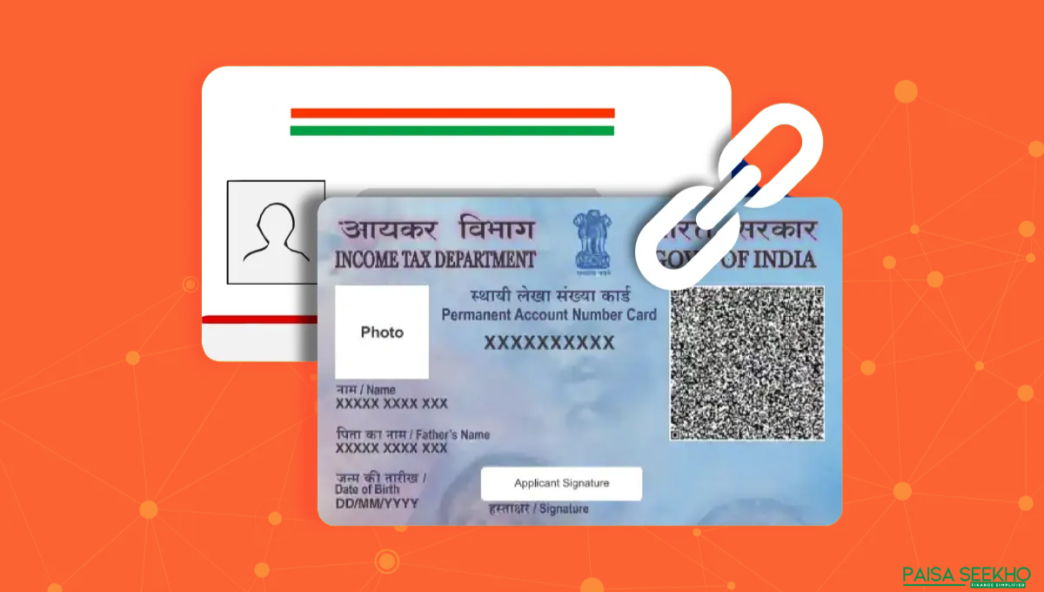
Linking your PAN (Permanent Account Number) with your Aadhaar card is a crucial step for all taxpayers in India. This mandatory process, introduced by the Government of India, aims to streamline tax filings, reduce fraud, and ensure seamless financial operations. If you haven’t linked your PAN with Aadhaar yet, this guide will walk you through the step-by-step process. Let’s explore why linking PAN with Aadhaar is important, the deadlines, and how you can do it online, offline, or through SMS.
Why Is Linking PAN with Aadhaar Important?
Linking your PAN with Aadhaar has several advantages, including:
- Compliance with the Law: The Income Tax Department mandates PAN-Aadhaar linking under Section 139AA of the Income Tax Act.
- Preventing PAN Deactivation: Failure to link may result in your PAN becoming inoperative, affecting your financial transactions.
- Simplified Tax Filing: Linking ensures seamless e-verification of tax returns.
- Minimising Fraud: It reduces the possibility of duplicate or fake PANs being used for financial misdeeds.
Important Note: The government has set specific deadlines for linking PAN with Aadhaar. Ensure you complete the process within the stipulated timeframe to avoid penalties.
Deadline for Linking PAN with Aadhaar
As of January 2025, the last date to link your PAN with Aadhaar is 31st March 2025.
- After this date, unlinked PAN cards will become inoperative, leading to restrictions on financial transactions, such as mutual fund investments, bank deposits, and tax filings.
- A penalty of ₹1,000 may also apply if the linking is delayed beyond the deadline.
Documents Required for Linking PAN with Aadhaar
Before starting the linking process, ensure you have the following documents:
- PAN Card: Ensure that your PAN details are accurate.
- Aadhaar Card: The name, date of birth, and gender on Aadhaar should match those on your PAN.
Methods to Link PAN with Aadhaar
The government provides multiple ways to link PAN with Aadhaar, catering to both tech-savvy users and those who prefer traditional methods.
1. Online via the Income Tax e-Filing Portal
This is the most convenient and widely used method.
Step-by-Step Process:
- Visit the Income Tax e-Filing Portal:
Go to https://www.incometax.gov.in. - Log in to Your Account:
Use your PAN as the User ID and enter your password. - Access the Aadhaar Linking Option:
- After logging in, click on the ‘Link Aadhaar’ option under the ‘Profile Settings’ section.
- Enter Aadhaar Details:
- Verify your PAN and Aadhaar details.
- Enter your Aadhaar number and click on ‘Validate’.
- Pay the Linking Fee (if applicable):
If linking is being done after the deadline, you may need to pay a penalty fee of ₹1,000 online. - Submit the Request:
Once verified, click on ‘Link Aadhaar’. A confirmation message will be displayed upon successful linking.
2. Using the SMS Service
For those who prefer a simpler method, linking PAN with Aadhaar can also be done via SMS.
Step-by-Step Process:
- Open your phone’s SMS app.
- Type the following message:
UIDPAN <12-digit Aadhaar number> <10-digit PAN>
Example: UIDPAN 123456789012 ABCDE1234F - Send the message to 567678 or 56161.
- You’ll receive a confirmation message once the linking is successful.
Note: Ensure that your mobile number is registered with Aadhaar for this method to work.
3. Offline via PAN Service Centres
For individuals who prefer face-to-face assistance, visiting a PAN service centre is an option.
Step-by-Step Process:
- Visit your nearest NSDL or UTIITSL PAN service centre.
- Fill out the PAN-Aadhaar linking form.
- Submit photocopies of your PAN and Aadhaar cards.
- Pay the applicable fee, if required.
- The centre will process your request, and you’ll receive a confirmation once the linking is complete.
Pro Tip: Carry the original documents for verification purposes.
4. Through the Aadhaar Seva Kendra
You can also visit an Aadhaar Seva Kendra to link your PAN with Aadhaar. These centres provide services for Aadhaar updates and linking.
Common Issues While Linking PAN with Aadhaar
Despite the ease of the process, some users may face challenges during the linking process. Here’s how to address them:
1. Name Mismatch
If your name differs between PAN and Aadhaar (e.g., initials vs full name), linking may fail.
- Solution: Update your details in PAN or Aadhaar to ensure they match.
2. Incorrect Aadhaar Details
If your Aadhaar number or other details are entered incorrectly, the linking will fail.
- Solution: Double-check your Aadhaar details before submission.
3. Technical Glitches
The Income Tax e-filing portal may occasionally experience downtime.
- Solution: Try again later or use an alternative method like SMS or visiting a service centre.
How to Check PAN-Aadhaar Linking Status?
Once you’ve submitted the request, it’s a good idea to verify the status to ensure the process is complete.
Step-by-Step Process:
- Visit the Income Tax e-filing portal.
- Under the ‘Quick Links’ section, click on ‘Link Aadhaar Status’.
- Enter your PAN and Aadhaar details.
- The status will be displayed, indicating whether the linking is successful or pending.
Benefits of Linking PAN with Aadhaar
- Ease of Tax Filing: Simplifies the e-verification process for income tax returns.
- Preventing Fraud: Eliminates duplicate PANs and enhances financial transparency.
- Streamlined Financial Transactions: Ensures uninterrupted access to bank accounts and other financial services.
- Government Compliance: Avoid penalties and deactivation of PAN by completing the linking process on time.
Key Points to Remember
- Ensure that the details on your PAN and Aadhaar match to avoid linking failures.
- Complete the process before the deadline to avoid penalties or deactivation of your PAN.
- Keep a copy of your PAN and Aadhaar cards handy for easy reference during the process.
Final Thoughts
Linking your PAN with Aadhaar is an essential step for every taxpayer in India. Whether you prefer the convenience of the online method, the simplicity of SMS, or the traditional offline route, the government has provided multiple options to ensure a hassle-free experience. Completing this process not only ensures compliance with the law but also streamlines your tax filings and financial transactions.
Take action today to link your PAN with Aadhaar and stay on top of your financial obligations!
FAQs
1. Why is it mandatory to link PAN with Aadhaar?
The Government of India mandates linking PAN with Aadhaar to:
- Ensure seamless e-verification of income tax returns.
- Prevent the misuse of duplicate or fake PAN cards.
- Comply with Section 139AA of the Income Tax Act.
Failure to link may result in the deactivation of your PAN and penalties.
2. What is the last date to link PAN with Aadhaar?
The deadline to link PAN with Aadhaar is 31st March 2025. After this date, unlinked PAN cards will become inoperative, affecting financial transactions like tax filings, mutual fund investments, and bank deposits.
3. What happens if I don’t link PAN with Aadhaar?
If you fail to link PAN with Aadhaar by the deadline:
- Your PAN will become inoperative.
- You won’t be able to file income tax returns.
- Transactions requiring PAN, such as opening bank accounts or making investments, will be restricted.
- You may also face a penalty of ₹1,000.
4. Can I link PAN with Aadhaar if there is a name mismatch?
Yes, you can link PAN with Aadhaar even if there is a minor mismatch in the name.
- Solution: Use the Aadhaar OTP-based authentication method during the linking process.
- For significant discrepancies, update your details in either PAN or Aadhaar to match.
Updates can be made online through the NSDL portal (for PAN) or the UIDAI website (for Aadhaar).
5. How can I check the status of PAN-Aadhaar linking?
To check the status of PAN-Aadhaar linking:
- Visit the Income Tax e-filing portal.
- Click on ‘Link Aadhaar Status’ under the Quick Links section.
- Enter your PAN and Aadhaar details.
- The portal will display the linking status (linked, pending, or unsuccessful).
6. Is there a fee to link PAN with Aadhaar?
If you link PAN with Aadhaar after the initial deadline, a penalty fee of ₹1,000 must be paid.
- The fee can be paid online through the e-Pay Tax option on the Income Tax e-filing portal.
- There is no fee if you link PAN and Aadhaar within the stipulated time.
7. Can I link multiple PANs with a single Aadhaar?
No, you cannot link multiple PANs to one Aadhaar.
- Each PAN is unique and must be linked to one Aadhaar card.
- If multiple PANs are linked to the same Aadhaar, the government may cancel duplicate PANs.
8. How can I link PAN with Aadhaar through SMS?
To link PAN with Aadhaar via SMS:
- Open the messaging app on your phone.
- Type: UIDPAN <12-digit Aadhaar number> <10-digit PAN>
Example: UIDPAN 123456789012 ABCDE1234F - Send the message to 567678 or 56161.
- You’ll receive a confirmation message upon successful linking.
9. Can NRIs link their PAN with Aadhaar?
No, NRIs (Non-Resident Indians) are not required to link PAN with Aadhaar.
- Section 139AA of the Income Tax Act applies only to Indian residents.
- NRIs can continue using their PAN for financial transactions without linking it to Aadhaar.
10. What should I do if I face technical issues while linking PAN with Aadhaar online?
If you encounter technical issues:
- Ensure that your PAN and Aadhaar details (name, DOB, gender) match exactly.
- Clear your browser cache or try a different browser.
- Check the status of your internet connection.
- If the issue persists, try an alternative method such as linking via SMS or visiting a PAN service centre.
- For further assistance, contact the Income Tax Department’s helpline.