
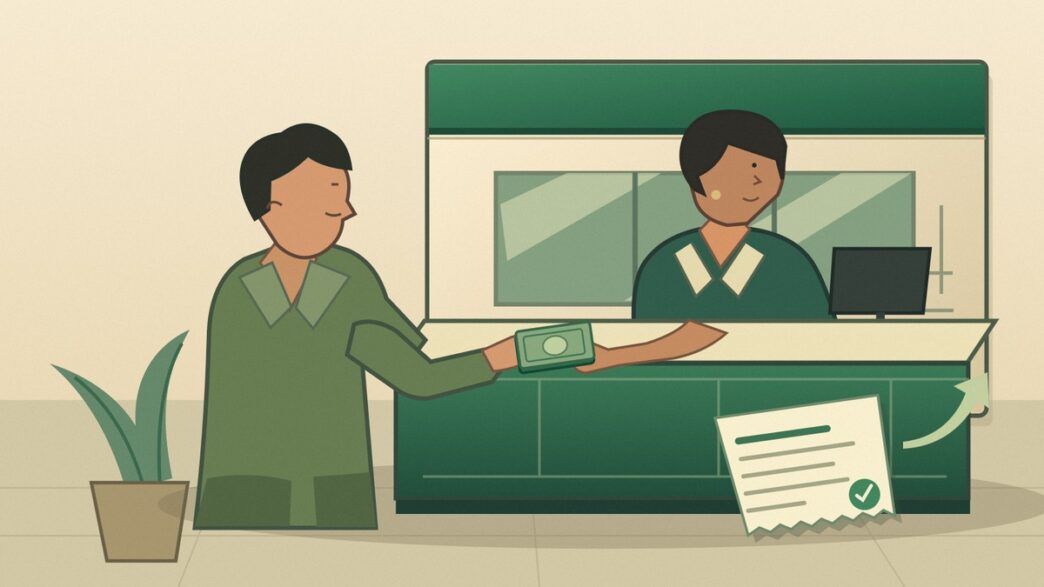
You have the cash, and the person you need to pay has a bank account. The missing piece is your own account, which can make an ordinary transfer feel unnecessarily complicated. You do not necessarily need to borrow someone else’s UPI account to get the money across. A cash NEFT transfer at a bank branch is one established option.
You can send cash through NEFT without holding a bank account yourself, provided the recipient has an eligible bank account. A walk-in transfer at a NEFT-enabled bank branch has a limit of ₹50,000 per transaction. Cash pay-in through an authorised banking correspondent or ATM, where offered, has a limit of ₹5,000 per transfer and ₹25,000 per month for the sender. Before handing over cash, confirm which service you are using, what it costs and how you can track it.
How do the branch and authorised-agent limits differ?
With cash pay-in, you hand over cash and the money goes into the recipient’s bank account. It is different from a cash pay-out service where the recipient collects cash. The RBI Domestic Money Transfer Directions, 2026 consolidated the existing instructions on 11 November. They did not introduce cash NEFT for the first time.
| Route | Per transfer | Monthly cap under this provision |
|---|---|---|
| Walk-in cash NEFT at a bank branch | Up to ₹50,000 | The branch provision does not specify the ₹25,000 cap below. Verification and other applicable checks still apply. |
| Cash pay-in via an authorised BC, ATM or other supported channel | Up to ₹5,000 | ₹25,000 per sender |
The ₹25,000 ceiling applies to the person sending the money, not the person receiving it. Do not treat it as a fresh allowance at every shop. An ATM that dispenses cash does not necessarily take cash remittances. Ask ahead whether the branch or outlet accepts walk-in transfers, and which bank runs the service. Our business correspondent guide explains how these outlets work.
What details and documents should you carry?
Ask the recipient to send their bank details in writing. Take their name as recorded by their bank, the account number, the bank and branch names, account type and current IFSC. Check every digit of the account number, including any leading zeroes.
For your side of the transfer, have your complete address, mobile number and verification documents ready. The RBI cash pay-in directions require a verified mobile number and a self-certified Officially Valid Document (OVD), with an additional authentication step for each transfer. Examples under the RBI’s KYC framework include a passport, driving licence or voter ID. Ask the branch what document format and additional information it needs before you make the trip.
How do you make a cash NEFT transfer at a branch?
- Ask for a walk-in cash NEFT transfer. Confirm the branch offers it and ask for the form and applicable charge.
- Fill in both sets of details. Compare the account number and IFSC with the recipient’s written details. A correct name is not a substitute for a correct account number.
- Complete verification and pay. Confirm the amount to be sent and what you owe in charges before paying.
- Keep the acknowledgement. Check that it shows the remitting bank or provider, date, amount and transaction reference. Ask for the Unique Transaction Reference (UTR) when available.
- Ask the recipient to check their account. The cash receipt records the request. It does not, by itself, confirm that the recipient has been credited.
What would a ₹12,000 transfer look like?
Suppose Rani wants to send ₹12,000 in cash to her mother’s bank account. A single ₹12,000 transfer would be above the ₹5,000 limit for the authorised BC or ATM route. A NEFT-enabled branch can handle it within the ₹50,000 branch limit, provided Rani completes the checks. She asks the teller to send ₹12,000, confirms any charge separately and keeps the receipt. If her mother cannot see the money, Rani has a reference the branch can trace.
Is cash NEFT free, and when can you visit?
Do not assume that cash NEFT is free because online NEFT from a savings account may be free. Check the branch’s tariff, applicable tax and total payable before handing over cash. The NEFT system runs 24/7, but a bank’s cash counter does not. Ask when the branch accepts and submits walk-in remittances.
What if the money does not arrive?
Ask the recipient to check their statement, not just their SMS alerts. Then call or visit the branch or authorised provider that accepted your cash. Quote the receipt reference, amount and date and ask whether the transfer was submitted, credited or returned. If it was submitted through NEFT, ask for the UTR and the processing details.
The RBI’s NEFT FAQ measures the expected two-hour credit or return window from settlement of the batch, not from the moment you pay at the counter. If the receiving bank cannot credit the funds, it returns them to the originating branch. That does not mean you have received your cash back. Ask the remitting branch how it will return the money to you, since there is no sending account to credit.
If you entered a wrong account number, contact the branch immediately. An invalid number may lead to a return, but a valid number may belong to someone else. Do not assume the money will come back automatically. If the matter remains unresolved, lodge a written complaint with the bank and save the acknowledgement. Our RBI Ombudsman guide explains when an eligible complaint can be escalated via RBI’s Complaint Management System.
Frequently asked questions
Does the recipient need a bank account?
Yes. This service sends cash from your side into the recipient’s bank account. If the recipient needs to collect cash, ask about a separate cash pay-out service.
Do I need UPI or internet banking?
No. For branch cash NEFT, you give the bank cash and transfer instructions. You still need to complete the mobile verification, document and authentication requirements.
Can I send cash from any ATM?
No. The bank has to provide cash pay-in through that channel. Ask the bank whether the particular machine or business correspondent supports it, what it charges and what you need to bring.
Last Updated on 34 minutes ago by PaisaSeekho Banking Desk